
Why calls sound better with earbuds
If you take calls in noisy places, wireless noise cancelling earbuds are often worth it for one simple reason: they reduce the amount of work your ears and microphone have to do. Instead of fighting traffic, office chatter, or wind, the earbuds isolate your voice from the mess around you. That usually means less strain, fewer repeats, and fewer moments where you have to move to a quieter corner just to finish a sentence.
What noise cancelling actually helps with
For calls, the benefit is not just about silence. Good wireless noise cancelling earbuds combine passive isolation, active noise cancelling, and microphone processing. Passive isolation comes from the ear tip seal, active noise cancelling lowers steady background sound, and call-focused beamforming tries to keep your voice centered. That mix matters more than a flashy spec sheet because phone calls need voice clarity, not just quiet music playback.
The call quality difference you can hear
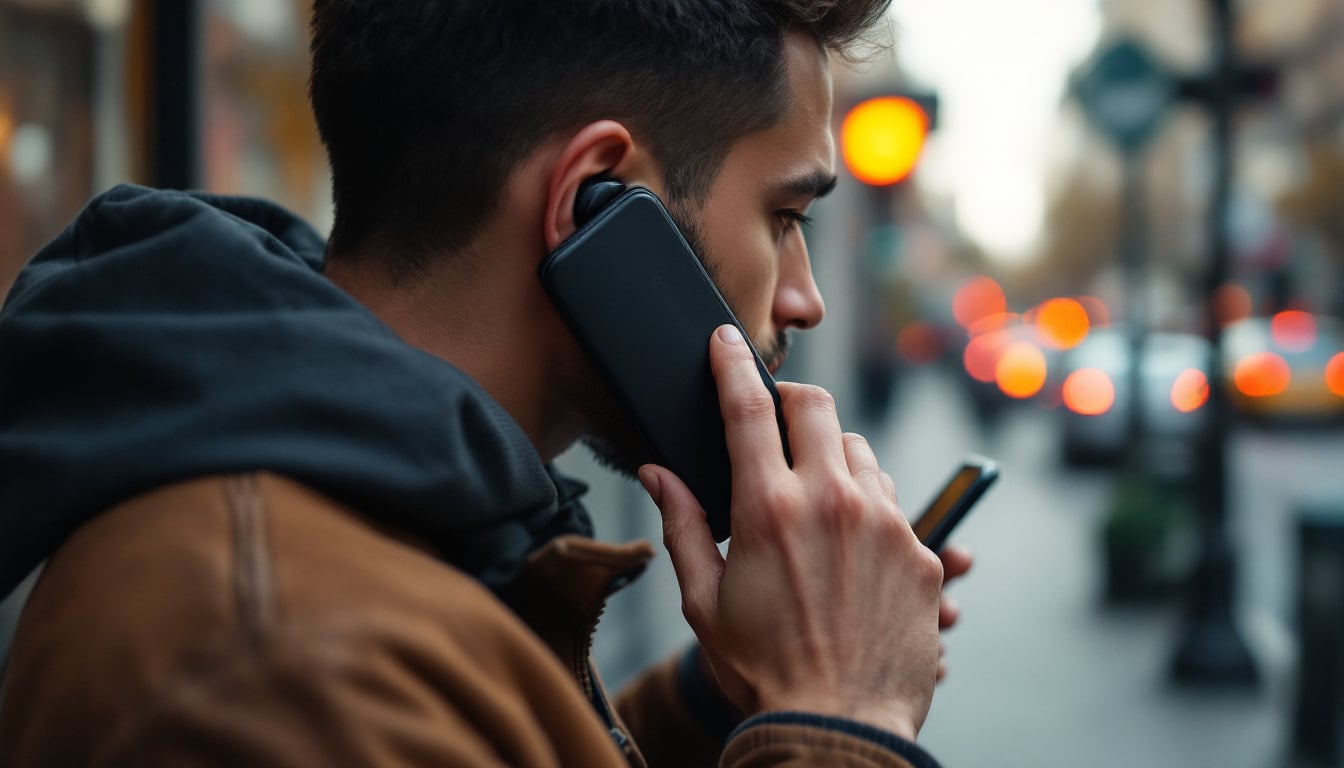
A practical way to judge wireless noise cancelling earbuds is by the kind of noise they handle. Constant sounds like air conditioning, bus engines, and hums are the easiest win. More uneven sounds, like keyboards, door slams, and children talking nearby, are harder. If a product only sounds good in a silent demo, it may still disappoint on real calls. That is why call mics, wind reduction, and ear fit deserve more attention than bass alone.
When wireless noise cancelling earbuds are the better choice
They make the most sense if you spend a lot of time on short work calls, commuting calls, or walking calls where you cannot control the background. They are also useful if you switch between music and calls all day and want one device that can do both. If your call environment is already quiet and you mostly sit at a desk, you may not need the strongest ANC, but you may still want good microphone isolation and a stable fit.
A simple decision rule before you buy
Use a quick three-part check. First, look at where you take calls most often. Second, decide whether your main problem is outside noise, your own voice sounding distant, or earbuds that fall out mid-call. Third, compare battery life with your actual routine, not the box claim. If you do back-to-back meetings, a case that adds only a modest recharge may be less helpful than one that supports longer single-use listening time.
The call features that matter most
Not every feature listed on wireless noise cancelling earbuds affects calls equally. The most useful ones are the microphone array, wind handling, multipoint pairing, and a stable ear tip seal. Features like touch gestures or premium finishes are nice, but they do not rescue a muffled voice or a weak connection. If call clarity is the goal, rank features by how well they protect speech first and everything else second.
Microphones and voice pickup
A strong mic setup is one of the biggest separators between average and excellent wireless noise cancelling earbuds. Multiple microphones can help isolate speech, but placement and tuning matter just as much as count. A good test is to speak while walking near traffic or through a fan. If your words stay distinct without sounding overly processed, the earbuds are doing the core job correctly.
ANC versus transparency mode
For calls, active noise cancelling and transparency mode solve different problems. ANC helps you stay focused by lowering your environment, while transparency mode lets you hear your own voice more naturally and keeps you aware of surroundings between calls. If you work in a hybrid routine, switching between the two can be more useful than chasing the strongest possible ANC rating. The trade-off is battery life, since heavier processing usually shortens runtime.
Fit and seal affect call performance
People often blame the earbuds when the real problem is the fit. If the seal is weak, outside noise leaks in and the microphones work harder. If the seal is too tight, long calls become uncomfortable and you will stop wearing them properly. The right fit should feel secure enough for movement but not painful after 30 to 45 minutes, which is a reasonable comfort check for most daily callers.
How to test fit the right way
Before you decide, try a short call in a noisy room and then repeat it while walking. If your voice sounds more stable when you gently adjust the ear tip, the fit is affecting mic pickup. Also check whether the earbuds stay put when you nod or turn your head. Many buyers focus on sound quality first, but for calls a reliable seal often matters more than an extra layer of bass or sparkle.
Battery life and charging habits
Battery life is worth checking through the lens of call length, not just total playtime. A pair of wireless noise cancelling earbuds can look strong on paper, but if ANC drops the runtime sharply, you may still need a midday recharge. For frequent callers, the useful question is whether the earbuds can handle several meetings plus a commute without becoming a charging routine. That is the real friction point.
What runtime means in practice
If you only take a few short calls, modest battery life may be enough. If you spend hours on voice calls, look for earbuds that offer all-day case top-ups and a quick-charge option. A 10-minute charge that gives you another short call block can be more useful than a large maximum number you never reach in real life. Check both earbud runtime and the charging case, because they work together.
Wireless features that prevent call friction
Stable Bluetooth connection and multipoint support can save more frustration than most buyers expect. When earbuds reconnect quickly and switch cleanly between laptop and phone, you spend less time missing the start of a call or manually re-pairing devices. That is especially useful if you move between work apps, private calls, and voice notes throughout the day. Smooth switching is a small feature that changes the feel of the product.
Where connectivity usually goes wrong
Dropouts often come from crowded wireless environments, older device Bluetooth support, or poor antenna design. If you work near multiple active devices, test the earbuds in that same space instead of a quiet showroom setting. Multipoint pairing helps, but only if the connection stays stable when one device is sending audio and another is waiting for an incoming call. Avoid buying on pairing convenience alone.
How to compare specs without getting lost
The best spec comparison starts with three questions. Does the mic system support clear speech in noise, does the fit stay secure for at least a 30-minute call, and does the battery cover your longest normal day? If a product answers yes to those three, the rest becomes secondary. This approach is better than comparing every number, because many specs look impressive but do not change call outcomes.
Use the same test every time
Try the same three checks across every option: a quiet-room call, a noisy-room call, and a walking call. Rate each one for voice clarity, background suppression, and comfort. You do not need lab equipment to spot the difference, just a consistent routine. The earbuds that sound fine in silence but fall apart near traffic are not strong call earbuds, no matter how polished the marketing sounds.
Where the right product fits naturally
If you want a balanced option for daily listening and calling, products like Soundwavez Wireless Earbuds can make sense because they combine deep bass, clear audio, comfort, and a visible charging display. The key is not the feature list alone, but whether the earbuds still feel easy to wear on a long call. For buyers comparing wireless noise cancelling earbuds, comfort and voice pickup should stay at the center of the decision.
One practical setup path after purchase
Start by charging both earbuds fully, pairing them once in a quiet room, and testing one short call before relying on them for an important meeting. Then adjust the ear tips if your voice sounds thin or distant. If your device supports it, save the earbuds on both your laptop and phone so switching is painless. A 10-minute setup check can prevent weeks of minor call problems.
Common mistakes that make good earbuds feel bad
The biggest mistake is assuming wireless noise cancelling earbuds are plug-and-play for every situation. They still need the right fit, the right mic orientation, and the right expectations. People also forget that ANC can make their surroundings feel quieter without making their own voice clearer to others. If the other person still asks you to repeat yourself, the issue is usually mic pickup, not volume.
How to fix the usual issues fast
If calls sound muffled, first check ear tip size and cleanliness. If the connection drops, remove old pairings and reconnect from scratch. If wind ruins outdoor calls, turn your head slightly away from the wind and use transparency mode only when needed. These small adjustments matter because they address the real failure points instead of treating every problem as a hardware flaw.
Key points
Wireless noise cancelling earbuds are worth it for calls when your environment is noisy, your calls are frequent, or you need one device that handles both listening and speaking. The most important features are microphone quality, fit, ANC strength, and stable wireless connectivity. Battery life should be judged against your real call routine, not just the largest number on the box. A simple three-call test is usually enough to spot weak options. If you want fewer repeats and less call fatigue, prioritize voice pickup and comfort before extras.
Conclusion
Wireless noise cancelling earbuds are worth it for calls when they remove the small problems that stack up during the day: background noise, unstable fit, weak microphones, and connection hassles. The best choice is not always the most expensive one. It is the pair that keeps your voice clear, stays comfortable long enough to forget it is there, and reconnects without drama when you move from phone to laptop or from indoors to outdoors. If you are comparing options now, use the simple rule from above: test a quiet call, a noisy call, and a walking call, then judge clarity, comfort, and battery together. If one pair handles all three well, you have found a practical fit. If this guide helped, share it with someone who takes calls on the move, and let us know which feature matters most to you in wireless noise cancelling earbuds.
Frequently Asked Questions
Are wireless noise cancelling earbuds good for calls in noisy places?
Yes, wireless noise cancelling earbuds can be very effective for calls in noisy places because they reduce steady background sound and help your voice stay more intelligible. They work best when the fit is secure and the microphone system is tuned for speech, not just music.
What should I look for in wireless noise cancelling earbuds for calls?
Focus on microphone quality, ear tip seal, battery life with ANC enabled, and stable Bluetooth connection. For wireless noise cancelling earbuds for calls, a short test in a noisy room is more useful than comparing long spec lists.
Do wireless noise cancelling earbuds cancel my voice too?
They should not cancel your voice, but poor mic tuning can make speech sound thin, distant, or overly processed. The best wireless noise cancelling earbuds for calls keep your voice centered while lowering outside noise around it.
Is ANC or microphone quality more important for call quality?
For call quality, microphone quality usually matters more because the other person hears the mic, not your ANC. ANC still helps by reducing what you hear, but wireless noise cancelling earbuds for calls need strong voice pickup first.
How long should battery life be for call use?
It depends on your routine, but you should check both earbud runtime and case recharging rather than one number alone. If you take frequent meetings, wireless noise cancelling earbuds with quick-charge support are often more practical than a higher maximum runtime you rarely use.
Can wireless noise cancelling earbuds work for work-from-home calls?
Yes, especially if your home has background noise like fans, kids, or street traffic. Wireless noise cancelling earbuds can make work-from-home calls more consistent, but you still need a good fit and a stable connection to get reliable results.
How do I test wireless noise cancelling earbuds before relying on them?
Use a simple three-step test: make one quiet call, one noisy call, and one walking call. That routine shows whether wireless noise cancelling earbuds for calls are actually clear, comfortable, and stable in the situations that matter most.