
What to check before pairing
Bluetooth earbuds for Android are usually easy to pair, but the first minute matters more than people expect. If the earbuds are already linked to another phone, low on battery, or stuck in a half-connected state, Android may not show them at all. Before you tap anything, charge the case, remove any old pairing history, and keep the earbuds close to the phone. That small reset often saves 5 to 10 minutes of trial and error.
Quick takeaway
The fastest setup is the one that avoids cleanup later. A short pre-check, a clean pairing start, and a few Android-specific settings will prevent most of the friction people blame on the earbuds. If you keep the process repeatable, Bluetooth earbuds for Android become a one-minute task instead of a recurring hassle.
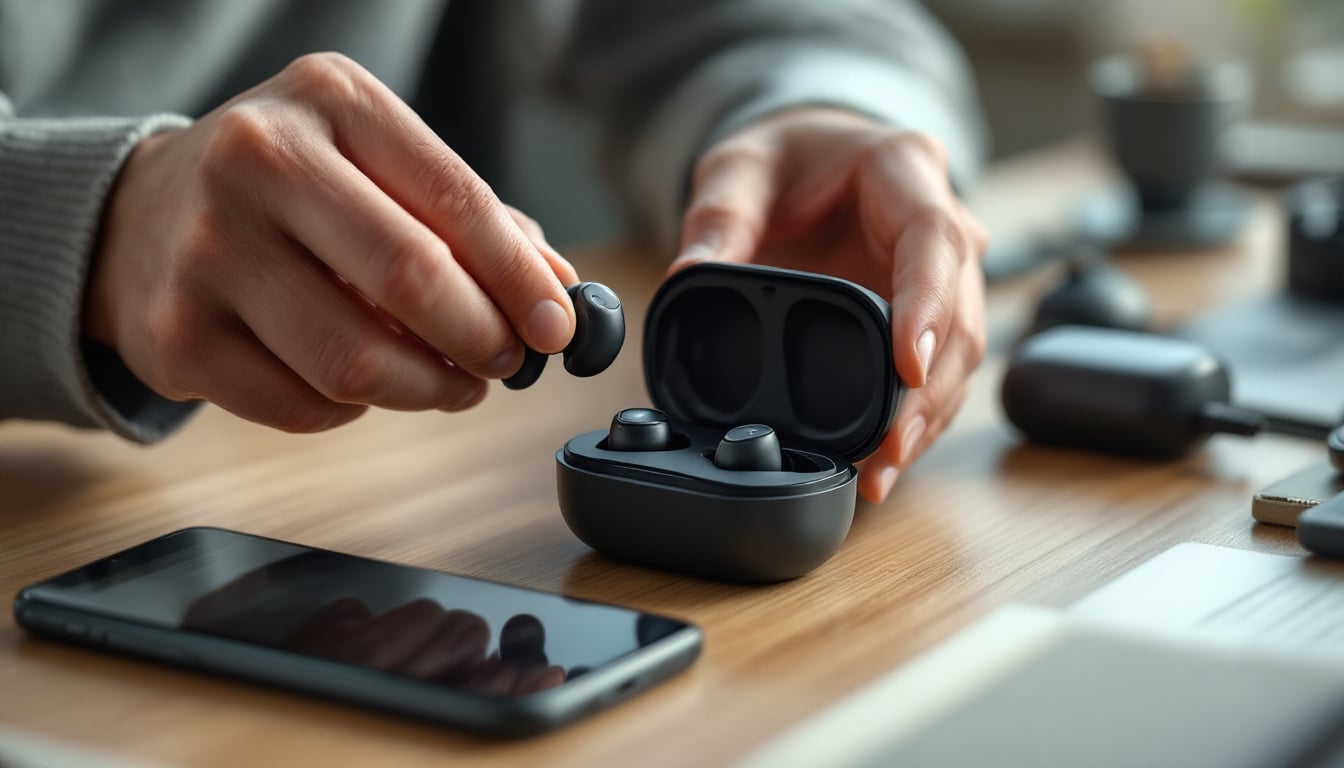
Know your Android version and Bluetooth limits
Not every Android phone handles Bluetooth the same way. Newer phones are better at fast pairing, device memory, and reconnecting after an app update, while older models may need manual pairing every time. If your phone runs an older Android version, expect more friction with multipoint connections, codec switching, and automatic reconnects. The practical rule is simple: if pairing feels unstable, check the phone before you blame the earbuds.
Match the earbuds to your real use case
Bluetooth earbuds for Android are not all built for the same job. If you mostly take calls, prioritize stable microphones and fast reconnects. If you listen while commuting or training, battery life and secure fit matter more than extra features. A model with clear audio and a compact charging case is often better than one packed with functions you will never use.
Use codec support as a decision filter
Android phones can support different Bluetooth audio codecs, but you do not need to chase every acronym. The key is whether your phone and earbuds support the same standard. If they do, audio is usually cleaner and latency is lower. If they do not, the earbuds still work, but you should expect a more basic connection and possibly slightly weaker performance for video or gaming.
Put the earbuds into first-time pairing mode
The most common setup mistake is skipping the earbuds' pairing mode and waiting for Android to do the work. Usually, you need to remove the earbuds from the case, hold the button or touch area until the indicator starts flashing, and then open Bluetooth settings on the phone. That sequence matters because Android only sees devices that are actively advertising themselves. If the earbuds do not appear within 30 to 60 seconds, reset and try again instead of tapping random menus.
Clear old pairings before trying again
If Bluetooth earbuds for Android refuse to connect, old pairing data is often the reason. Delete the earbuds from the phone's saved devices list, then remove the phone from the earbuds' memory if the model supports it. This is especially useful after switching phones, sharing earbuds between devices, or updating firmware. A clean pairing history prevents the earbuds from wasting time searching for a device that is no longer relevant.
Use Android settings that make pairing faster
Once the earbuds are paired, a few Android settings make daily use smoother. Turn on Bluetooth only when you need it if your phone is constantly juggling devices. If your earbuds support fast pairing, keep location permission enabled during setup, because some Android phones use it to discover nearby accessories. Also check battery optimization for the companion app, since aggressive power saving can delay reconnects and notifications.
Pick the right audio route for the situation
Android sometimes gives you multiple ways to handle sound, and the easiest one is not always the best. For a quick call, standard Bluetooth is enough. For long listening sessions, use the earbuds' default stereo output rather than forcing extra app settings. If you switch between music, calls, and video often, test how quickly the earbuds return to audio after a pause. That small behavior is a better quality signal than marketing claims.
Fix the problems that waste the most time
Most Bluetooth earbuds for Android issues fall into three buckets: they are not visible, they connect but sound choppy, or one earbud plays and the other does not. For visibility issues, restart Bluetooth and re-enter pairing mode. For choppy audio, move away from crowded wireless spaces and keep the phone within a few meters. For one-sided audio, place both buds back in the case, close the lid, and reconnect from scratch.
Use a simple reset workflow when nothing works
A full reset should be your last step, but it is still worth knowing. The practical sequence is to forget the earbuds on Android, power them off, clear the case connection if the model allows it, and then re-pair from the beginning. Do not skip the first two steps, because partial resets leave old connection data behind. If the earbuds still fail after that, the issue is usually battery, compatibility, or a damaged pairing module.
Why multipoint can save time, and when it can slow you down
Multipoint lets Bluetooth earbuds for Android stay linked to more than one device, which is handy if you switch between a phone and laptop. The trade-off is that a second connection can slow reconnection or cause the earbuds to choose the wrong audio source. If you value simplicity, use multipoint only when you genuinely need it. If you mainly listen from one phone, a single-device setup is usually faster and less confusing.
Battery habits that improve daily reliability
Battery problems often look like Bluetooth problems. When earbuds are low on charge, Android may still see them but fail to hold the connection. The safest habit is to dock them after use and avoid storing them near an empty case for days. A quick 10-minute charge before travel can prevent the kind of pairing dropouts that show up only when you are already in a rush.
Choose earbuds with simple controls and a solid case
The best Bluetooth earbuds for Android are not always the ones with the longest spec sheet. Look for controls that are easy to learn, a case that clearly shows charge status, and a connection process that works the same way every time. Models like Soundwavez Wireless Earbuds make sense for people who want deep bass, clear audio, and a charging case with an easy-to-read power display, because the setup path stays straightforward.
A practical buying checklist
Before you buy, check three things: whether the earbuds support your Android phone's Bluetooth version, whether the fit suits your daily routine, and whether the case is easy to carry and charge. If you often move between calls and music, prioritize stable reconnection over extra sound modes. If your main frustration is messy setup, a simpler product is usually the better long-term choice than a feature-heavy one.
When to use the product page or support page
If you are still deciding, look at the product details for pairing method, battery time, and supported features before you buy. If you already own the earbuds and the issue persists after a full reset, use the site contact page or a support route that lets you describe the exact Android model and symptom. The faster you narrow down the device, the quicker you avoid generic advice that does not fit your setup.
Key Points
Bluetooth earbuds for Android are easiest to manage when you start with a clean pairing state, not when you keep tapping retry. The main time-savers are simple: clear old devices, enter pairing mode correctly, and keep the earbuds charged. Android settings matter too, especially on older phones or when battery optimization interferes. If you need to switch between devices, multipoint can help, but only if you are willing to manage the trade-off. For most people, the fastest setup is the one with the fewest extra steps.
How to avoid pairing problems after the first setup
The first successful pairing is not the end of the job. Bluetooth earbuds for Android usually stay reliable when you reconnect the same way each time. Keep the phone's Bluetooth list tidy, avoid pairing the earbuds with too many devices at once, and update firmware only when you know what the update changes. A simple routine, same case, same phone, same setup path, reduces the random failures people often mistake for bad hardware.
What to do if sound quality still feels off
If the connection is stable but the audio sounds thin or delayed, the problem may not be pairing at all. Check whether another app is taking over sound, whether the earbuds are running in a call profile instead of stereo mode, or whether the phone is too far from the buds. In practice, a 1 to 2 meter range test can tell you more than a long troubleshooting session. If quality improves when the phone is close, interference or codec fallback is likely the cause.
Keep one setup routine and stick to it
The easiest long-term approach is to treat Bluetooth earbuds for Android like any other repeatable tool. Use the same charging habit, the same pairing steps, and the same reconnect order after a phone reboot. That consistency reduces the chance of missing a hidden step. It also makes troubleshooting faster because you can spot what changed, instead of guessing through the whole setup again.
Need help choosing the right pair?
If you are comparing options, start with the basics that matter most on Android: pairing speed, battery stability, and how often you expect to switch devices. A strong fit, clear audio, and a case that shows charge at a glance are more useful than flashy extras for most people. If you want to narrow things down quickly, compare the earbuds' setup steps against your own routine and choose the one that creates the least friction.
Frequently Asked Questions
How do I pair Bluetooth earbuds for Android the first time?
Put the earbuds in pairing mode, open Bluetooth settings on your Android phone, and select the earbuds from the available devices list. If they do not appear, remove any old pairing history and try again with the case close by. This first-time pairing process is usually fastest when both devices are fully charged.
Why won't my Bluetooth earbuds for Android connect?
The most common causes are old pairing data, low battery, or the earbuds still being connected to another device. A clean reset, followed by a fresh pairing attempt, solves many Bluetooth earbuds for Android connection issues. If the problem continues, test the earbuds within a short range and check whether your Android version is up to date.
Do Bluetooth earbuds for Android work better with newer phones?
Usually, yes. Newer Android phones tend to handle fast pairing, reconnects, and codec support more smoothly than older models. If you use an older phone, Bluetooth earbuds for Android can still work well, but you may need to clear pairings more often and avoid switching between too many devices.
How can I fix one earbud not working on Android?
Place both earbuds back in the case, close the lid, and reconnect them from scratch. One-sided audio often happens when one bud falls out of sync or loses charge. If the issue keeps returning, forget the device on Android and repeat the pairing process as a clean reset.
Is multipoint worth it for Bluetooth earbuds for Android?
Multipoint is useful if you regularly switch between a phone and another device, but it can also make reconnects less predictable. If you want the simplest setup, a single-device pairing is often faster and easier to manage. For users who move between devices all day, multipoint can save time once configured properly.
What should I check before buying Bluetooth earbuds for Android?
Check pairing ease, battery life, fit, and whether the earbuds support the features your phone actually uses. If possible, look for clear setup steps and a charging case that is easy to read at a glance. For Bluetooth earbuds for Android, the best choice is often the one that matches your routine instead of the one with the longest feature list.
How do I make Bluetooth earbuds for Android reconnect faster?
Keep the earbuds in their case when not in use, avoid pairing them with too many devices, and keep Bluetooth on your phone clean and updated. Fast reconnection usually depends on stable battery habits and a consistent setup routine. If reconnect speed is still slow, remove the device and pair it again from scratch.